Editing a Tracker
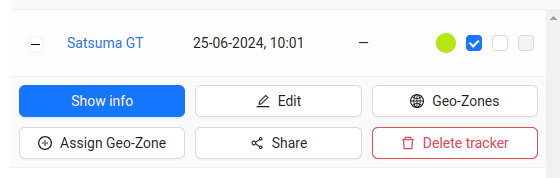
- To edit a GPS tracker, you need to click on the
Editbutton next to the desired tracker on the Trackers page.
- Then a form with the tracker's data will appear:
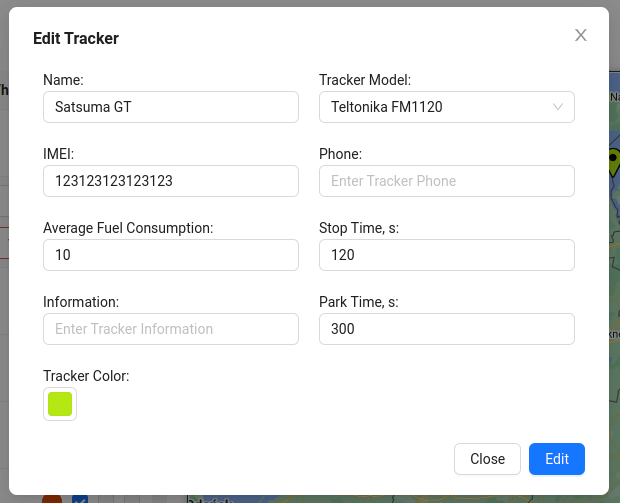
- After making changes, click the
Editbutton to save them.
Edit button next to the desired tracker on the Trackers page.
Edit button to save them.